
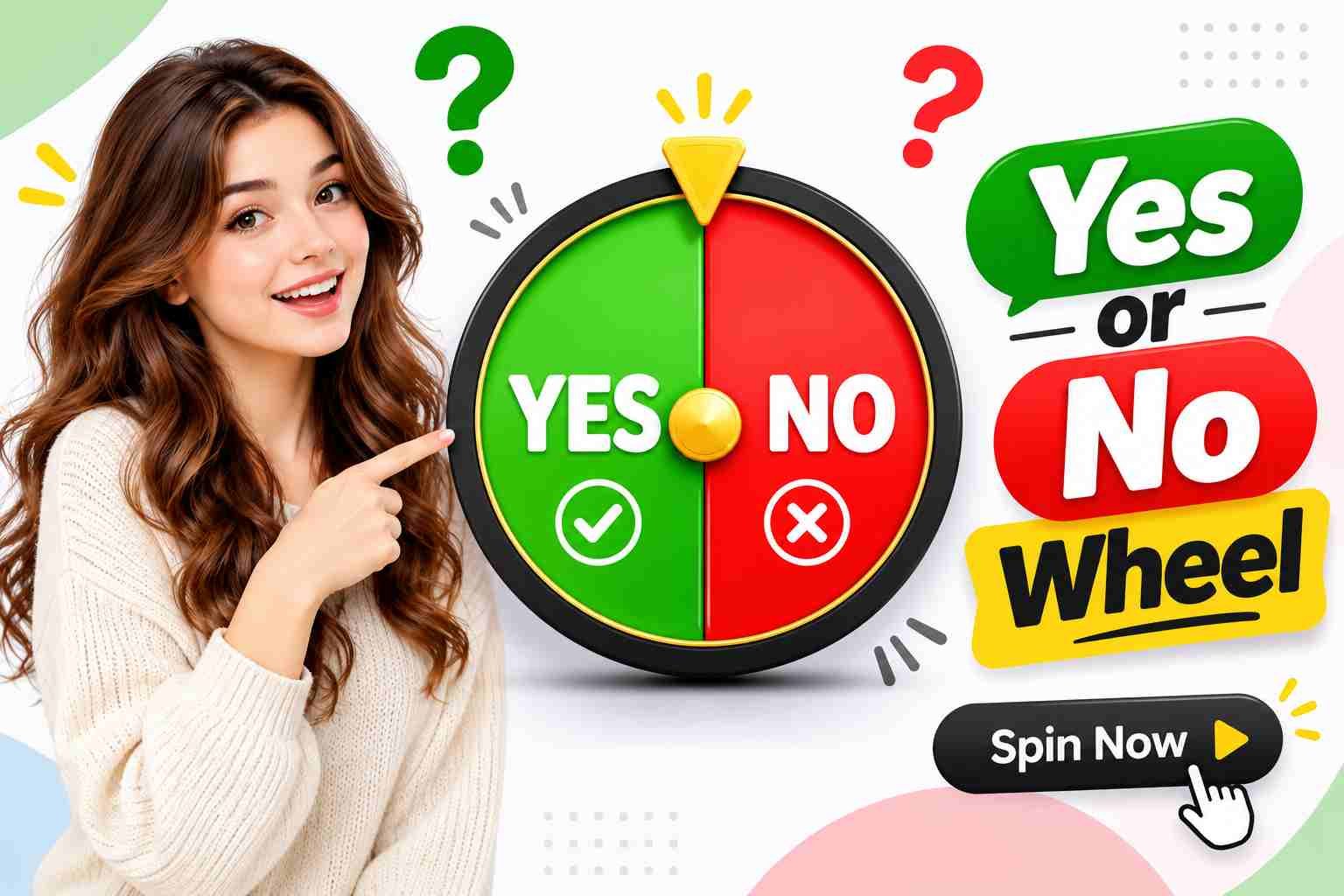
Yes or No Wheel Spinner
Ask a question, spin the wheel, and let chance choose.
Recent Spins (0)
- No spins yet. Your latest 10 answers will appear here.
For fun decisions only. Each answer is selected randomly, with equal odds. No information is sent to a server.
A Yes or No Wheel turns a clear question into a quick decision by offering a random result instead of endless debate. It suits everyday uncertainty when either answer feels acceptable and consequences remain small.
Use it for low-stakes choices, everyday decisions, or deciding whether to try something new today. Treat each spin as a prompt, not authority; pause, notice your reaction, and keep serious choices evidence-based and consider consequences.
Table of Contents
What Is The Yes Or No Wheel ?

A yes or no wheel is a random two-choice decision tool that turns a clear question into a quick yes or no result. Instead of weighing options endlessly, you spin and receive one outcome onscreen.
In practice, it works best as easy and fun support when options feel unclear; the displayed yes, no, or maybe offers a prompt for reflection, while the final choice remains yours in everyday personal decisions.
When / What To Use The Yes Or No Wheel For
Use the wheel for small daily choices when you are stuck between both options: watch another episode, go to the gym, or buy this item. A choice can break indecision without making routines feel complicated.
Use it for team activities or quick choices during meetings, but keep the question specific and the stakes modest. The wheel offers a prompt, not evidence, expertise, or a substitute for careful judgment in context.
Everyday Decisions
Everyday choices become easier when a closed question has two options. Use the wheel for a random choice about lunch, plans, or whether to accept the invitation, especially when preferences feel balanced on ordinary days.
When you have no strong preference, a quick choice can interrupt going back and forth and offer two simple outcomes. Treat it as a prompt, not a command, and choose what best suits your situation.
Classroom And Group Activities
In classroom sessions, a Yes or No Wheel can turn a quiet discussion into an icebreaker: students submit a clear question, spin once, then explain their reasoning respectfully before the class begins another round together.
For group activities, let each player suggest an option, use the wheel for a low-pressure challenge, and invite classmates to answer a question about the outcome; chance starts conversation, while teacher guidance keeps participation inclusive.
Work And Team Activities
Teams can use the tool when group leaders need an impartial way to assign simple activities or decide who will speak first. This approach encourages open discussion without replacing clear shared goals or sound judgment.
For a workshop, add an extra challenge by letting each turn choose the next task; if the choice creates confusion, give the group another chance and continue to the next question after rules are understood.
When You Cannot Choose Between Yes And No
When you cannot choose between yes and no, pause before spinning and phrase your question clearly. A simple choice can expose your preference; notice your first reaction rather than treating the wheel as an authority.
If uncertainty remains, decide beforehand whether to accept the first answer or use best of three. Spinning repeatedly can encourage delaying the choice, so watch for staying undecided when you know the option feels right.
How Does The Yes Or No Wheel Work / How To Use It
Enter one clear question, then review the inputs before using the decision wheel tool. Press the SPIN button once; the wheel selects an option and displays an outcome you can use for a low-pressure choice.
The wheel randomly selects an entry, but treat its outcome as a prompt rather than an authority. Before spinning, decide whether the first result stands or another round is allowed for the question at hand.
Features / Modes Of The Yes Or No Wheel
Choose Classic mode for a binary decision, or switch to yes no or maybe when a neutral third option helps. The spin button starts the interactive wheel, while spin behavior keeps each selection visually engaging.
Personalize color schemes, Day mode, or Night mode to suit the setting; adjust spinning speed and sound on/off for quieter sessions. A full-screen mode gives the wheel extra space during group activities or classroom play.
Customization
A useful customization starts with the decision style, not decoration. Choose a mode that fits your question, then adjust the available input sets so the wheel reflects options you genuinely want considered before every spin.
Visual changes make decisions easier to read, rather than imply odds. Customize the design for clarity, keep entries below the wheel easy to review, and remember appearance changes how the tool feels, not its result.
Results, History And Statistics
A Yes Or No Wheel displays outcomes immediately, but session data may be limited: statistics are not always saved locally, so refresh or closing the page can erase recorded information before users note earlier outcomes.
For practical tracking, take a screenshot or record the result manually after each run; this helps compare all results over time, though a simple wheel is not designed for audited selections or formal verification later.
Sharing Results
Open the Results tab after each spin to inspect recent history; it can reveal patterns, but it cannot determine what you should choose. Keep the context clear when discussing results with others in a group.
When sharing, use the Results Link to share with other people, explaining that a spin captures a choice rather than certainty. Keep records for reference, and select Clear Results before starting a new session later.
Also Read: Alphabet Letter Wheel by Random Wheel SpinSlice Count Doesn’t Change The Odds
Adding more alternating slices does not automatically improve a decision wheel’s fairness. In practice, what matters is how much wheel area each answer receives, because equal sectors—not just slice count—determine the overall odds.
For the same question, changing labels while preserving each answer’s combined area leaves the odds unchanged. Before one spin, check whether yes and no occupy equal portions; extra labels alone do not make sides likelier.
Data Doesn’t Persist After Refresh
When you refresh the page, treat the wheel as a temporary decision aid: its current visit may hold your picks, but that information should not be assumed to survive reloading or closing the browser later.
Save any results image or copy the result link before refreshing; a reset or reload can clear temporary accumulated count details, so keep important outcomes somewhere outside the tool for access after the session ends.
Not Suitable For Formal Draws Or Audited Selections
A Yes Or No Wheel can be useful for casual choices, but important decisions involving official draws need documented rules, verified entries, impartial oversight, and an audit trail rather than a casual spin as proof.
Because a spinner cannot verify eligibility, preserve records, or prove equal treatment, reserve serious consequences for a formal process; consult reliable information and professional advice whenever decisions require accountability and an independent audit before approval.
Enable Mystery
To vary the random initial angle and add a Maybe line when uncertainty deserves space. A brief spinning sound can build anticipation while an unspoken expectation keeps every choice feeling fresh for players.
During a group game, let the manual stop button control suspense, then reveal the result title only after the wheel settles. This small pause makes a familiar yes-or-no decision feel playful, not pressured for everyone.
Full Screen View
Use Full Screen View when the question deserves your attention without nearby distractions. Bring the wheel to the center of your display, hide the Inputs section, and keep the choices easy to see before spinning.
On a small screen, switch to landscape if it helps, then press Spin button once your question is clear. A larger view makes motion easier to follow and the final choice simpler to notice immediately.
How To Get A More Useful Yes Or No Answer
For meaningful answers, avoid a broad question and frame one specific choice, such as go out for dinner tonight. Clear wording helps the yes and no result address the decision you actually need to make.
Before spinning, check that outcomes are equally acceptable and that the choice is a small decision. If uncertainty remains, use the result to stop overthinking, reflect, then move forward without treating chance as expert advice.
Ask One Clear Question
Before spinning, ask a clear question that focuses on one decision, not several competing issues. Keep the wording simple and specific, so the wheel’s answer relates directly to one question you genuinely want resolved first.
Experience suggests that combining several concerns makes a result harder to interpret; separate them into prompts. For anything you are not sure about, define the choice, then use the result as guidance rather than proof.
Decide Whether One Spin Is Final
Before you start, set a simple rule: decide whether accepting the first spin settles your question, or whether you will spin as many times as needed for a clearer decision. Choose deliberately; stick with it.
This tool offers guidance, not authority: handle routine matters yourself; for consequential questions, consider evidence, personal values, risks, and likely outcomes before acting instead of outsourcing your judgment entirely to an external tool without reflection.
Use Yes, No Or Maybe When You Need A Neutral Result
Choose Yes No or Maybe mode when a question deserves room for uncertainty; its neutral third outcome helps you pause without forcing a premature yes or no, especially when both choices feel incomplete at first.
Use this option when remaining undecided is acceptable, such as choosing a time to revisit a plan rather than pretending certainty. A neutral decision can clarify what information you still need before making any commitment.
Pay Attention To Your Reaction
When the wheel lands, notice whether you feel relief or resistance before acting. If you did not like the first answer, that reaction may reveal a preference you had not admitted clearly to yourself yet.
Set a boundary by setting the rule first: decide whether one spin is advice or a playful tiebreaker. Your response matters, but it should inform reflection rather than surrender judgment to randomness in every situation.
Use The Yes Or No Wheel For Games And Parties
At parties, use the Yes Or No Wheel to settle quick challenges, choose an optional activity, or add randomness when friends disagree. One spin can keep the group moving without lengthy debate over small decisions.
For team games, let the wheel select a yes no or maybe outcome, break ties between multiple votes, or decide who starts. Afterward, share the results so everyone sees the same playful decision at once.
Conclusion
A Yes Or No Wheel works best as a quick decision maker for everyday uncertainty, offering a definite answer or a pause for thought; it should support judgment, not replace it when stakes matter most.
Before spinning, frame one clear question; a random yes or no generator can offer a result, but your reaction may reveal more. When you wish it had said yes, pause and examine that preference carefully.
Need Another Way To Make A Decision?
When an important choice feels unclear, try a random two-choice decision tool for low-stakes situations, then notice what you actually prefer. Treat its response as a prompt for reflection, while keeping final judgment yours alone.
Is The Yes Or No Wheel Random?
Although the wheel chooses randomly, its displayed odds depend on how options are configured. Equal entries support an even chance, while unequal weighting can favor one answer; no result guarantees certainty for any question asked.
What Is The Difference Between Yes Or No And Yes, No Or Maybe Mode?
A binary spin delivers a definite yes or no, while Yes No or Maybe mode introduces a neutral result and a reasonable outcome for uncertain situations, where neither extreme accurately reflects the question being asked.
Can I Spin The Wheel More Than Once For The Same Question?
Yes, you can spin again for the same question; each spin produces a fresh result, not a cumulative instruction. Set a personal rule beforehand, and avoid immediately repeating spins simply to obtain your desired answer.
Should I Use The Yes Or No Wheel For Important Decisions?
Use the Yes Or No Wheel for low-stakes prompts, not as the ultimate decision maker for health, safety, money, or legal matters. A spin can encourage reflection, but choices need evidence, judgment, and professional advice.
4 thoughts on “Yes or No Wheel Spinner – Let Chance Decide!”