
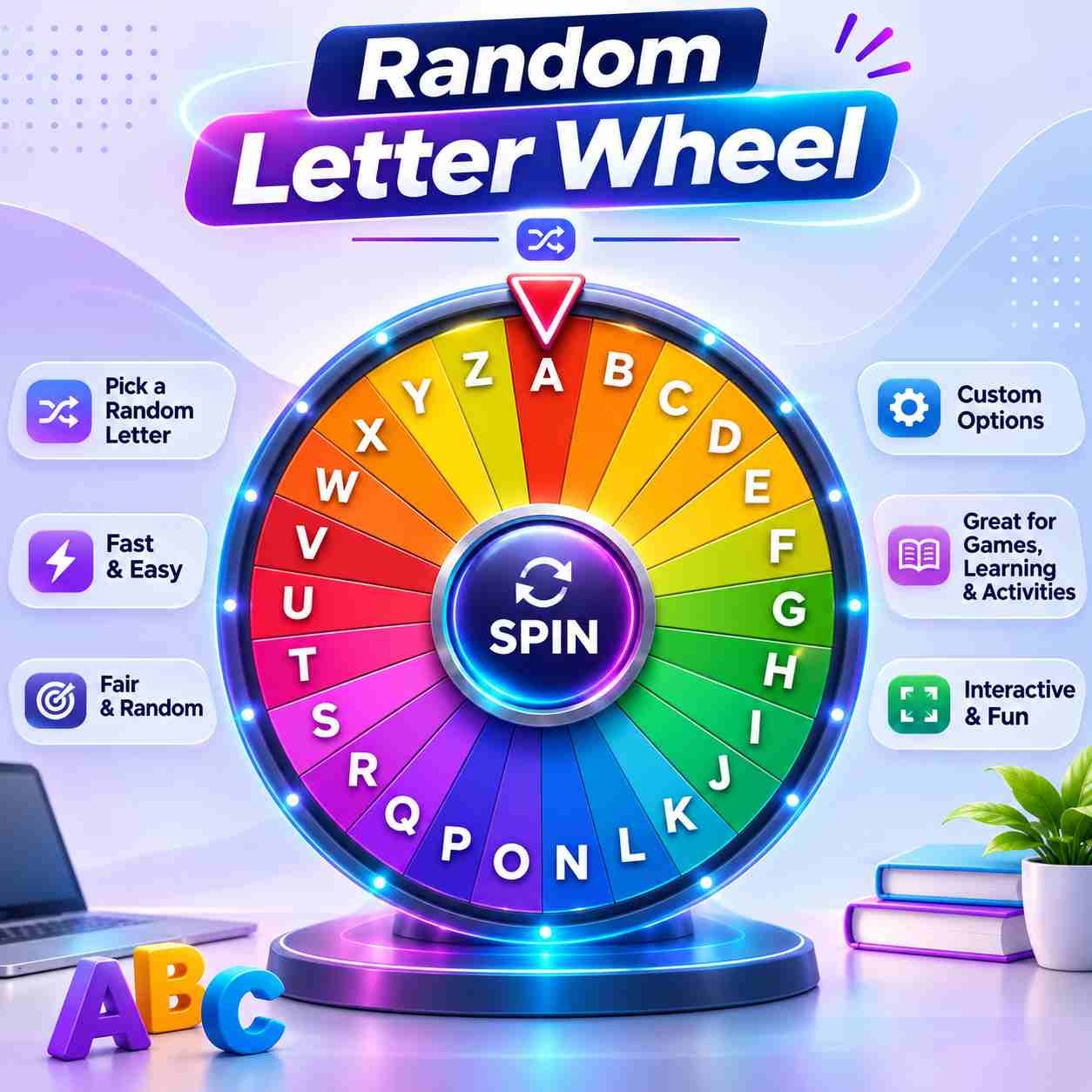
A letter wheel becomes genuinely useful when its selection feels impartial rather than flashy. Enter choices through the text input, press the SPIN button, and watch the pointer settle fairly without anyone negotiating the outcome.
In workshops, I prefer using the Shuffle button before each round because predictable patterns weaken participation. A single selection can become a creative springboard for vocabulary, storytelling, or playful group challenges with unexpected answers.
Table of Contents
How To Pick A Random Letter Wheel
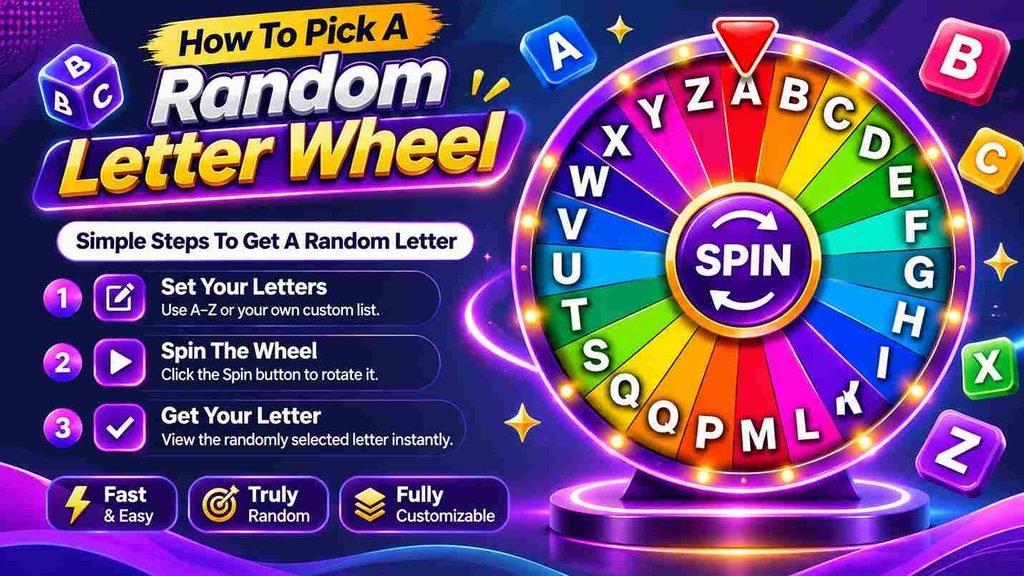
Start with the letter picker wheel on your phone or screen, then choose uppercase or lowercase. For quick choices, press the button and watch the pointer settle; the random letter becomes your prompt for play.
For a spelling challenge or family game night, set input options before spinning. In classrooms, teachers can use elimination mode to prevent repeats, while normal mode supports fresh picks during longer activities with different groups.
Customize Your Letter Wheel
Changing the style option matters less than editing the input option carefully. I sort entries before spinning, check commas and spaces, then choose colors that make each segment easy to recognize during busy classroom activities.
For targeted rounds, a custom letter can replace an awkward choice without rebuilding everything. Use the bin icon to clear mistakes, inspect the dialog, and keep the display readable for everyone involved before another round.
Types Of Modes
Unlike a basic alphabet picker, Advanced mode offers control over Spin Behavior, including spinning duration, spinning speed, and a random initial angle. These settings help organizers balance anticipation with practical pacing during repeated classroom activities.
For group sessions, manual stop button control changes how participants interact, while spin count tracks attempts. Saved wheels preserve configurations between visits, making separate modes useful for rehearsed demonstrations and more spontaneous letter selection tasks.
Classroom / Educational Uses
A classroom wheel can reveal who needs practice without putting anyone on the spot. During a rotating warm-up routine, small groups tackle a letter category, then compare approaches instead of competing for speed alone today.
For spelling bee preparation, I prefer classroom wheels over predictable worksheets. A surprise initial challenges memory; asking for the longest word encourages discussion, while vocabulary list review keeps the exercise connected to current weekly lessons.
Word Games And Letter Challenges
Competitive rounds improve when a random letter is assigned quickly, rather than debated. In classroom word games, players race to suggest categories, then defend genuinely unusual answers; this rewards flexible thinking instead of memorized lists.
For a tougher challenge, spin again and ask for words starting with the selection. I find that short, timed rounds often keep competition fresh, while preventing over-preparing and giving quieter participants meaningful chances to contribute.
Spelling Bee And Spelling Practice Activities
A random letter generator can make spelling drills less predictable. Teachers set a time limit, then ask learners to spell three terms beginning with the chosen letter, explaining tricky sounds before checking accuracy carefully together.
For a harder spelling practice round, pair phonics warm-ups with vocabulary challenges. After each spin, students spell aloud, revise mistakes, and compare patterns; no letter repeats keeps the exercise varied without rewarding lucky guesses alone.
Creative Writing And Alphabet Constraints
A randomly assigned starting letter can sharpen a scene faster than an open prompt. Ask characters to speak using words beginning with that letter; awkward choices often expose unexpected voices and surprisingly fresh narrative possibilities.
For creative writing constraints, try drafting a paragraph without one common vowel, then revisit its rhythm. These creative writing starting points encourage deliberate word choices while keeping the exercise playful rather than unnecessarily restrictive.
ESL And Language Learning Activities
In ESL classes, a random letter picker can expose gaps that rehearsed drills hide. I use impromptu word naming to check retrieval speed, then turn hesitant answers into collaborative vocabulary challenges without embarrassing new beginners.
For alphabet review, start with sentence starters rather than isolated recitation. The wheel’s randomness keeps visual engagement high, while ESL vocabulary activities encourage partners to explain word choices, compare pronunciation, and negotiate meaning together effectively.
Enable Mystery
With Mystery enabled, the chosen letter stays hidden until the reveal, making each spin feel less predictable. In my experience, students pay closer attention when they cannot immediately see where the pointer lands at first.
Rather than emphasizing speed, use the brief suspense to invite predictions before revealing the letter. Afterwards, check the history to discuss patterns, then ask players to build words without relying on visual hints or cues.
Also Read: Yes or No Wheel Spinner – Let Chance Decide!Enable Title Section
An optional title makes a custom wheel immediately recognizable during classroom sessions or shared games. Open the Wheel Editor, locate the header setting, and give each activity a descriptive name rather than a generic label.
For public activities, a clear title helps participants understand the purpose before each turn. Keep wording brief, check how it appears on mobile, and use Settings to maintain a consistent presentation across your different wheels.
View All Results
Rather than judging a single result, open View All Results to compare outcomes across several spins. The results page helps identify what appeared, making classroom challenges and group activities easier to review afterward each time.
For group sessions, reviewing all results is more useful than relying on memory. After the spinning results appear, check the result link before sharing outcomes, especially when participants need a consistent record of selections later.
Also Read: NBA Picker WheelShare Results
Sharing a Random Letter Generator session works best when everyone can inspect the same outcome. Open Show All Results on the results page, then use the Results Link to share the records with friends instantly.
For family games, compare participant results before choosing a sharing method. The summary displays scores and accumulated count; Clear Results resets results after spinning, keeping each group’s next challenge separate and easy to review later.
Full Screen View
During live streams, a larger display makes the wheel spinner easier to follow from across the shared room. Full screen viewing reduces surrounding distractions, so participants notice each selection without crowding around one small device.
I prefer opening full screen before a group activity, especially when the spin button animation needs to remain visible. After each turn, the top-right controls help restore the normal layout for additional editing.
Conclusion
A letter generator wheel becomes useful when choices need clarity rather than complicated rules. Its visually engaging design keeps groups involved, while spelling practice gains variety without teachers preparing additional materials or managing paper slips.
For deeper activities, alphabetical constraints encourage original ideas, and Elimination Mode prevents previously chosen options from dominating. A simple collect link also helps organizers revisit outcomes after sessions, keeping participation practical and easy for everyone.
How Many Letters Are On This Wheel?
A standard letter spinner contains 26 entries, covering the English alphabet. In practice, a random alphabet picker can also display 52 letters when capital and small forms are treated as separate choices, depending on configuration.
What Can I Use The Random Letter Generator Wheel For?
Beyond word games, this wheel makes brainstorming sessions less predictable. I use it for an icebreaker when players hesitate, because randomness invites quick ideas without letting confident voices dominate every activity in everyday group settings.
Is This Random Letter Generator Wheel Free To Use?
Unlike paid classroom resources, this letter picker is 100% free to use. With no account and no setup required, simply spin the wheel whenever a lesson, game, or quick decision needs variety without extra charges.
Can I Use This Wheel For ESL Classes?
Yes. In ESL classes, beginner learners benefit when a spin prompts alphabet review, phonics sound practice, or mini-speeches. I recommend asking students to build sentences from comfortable words, keeping language learning lively without lengthy preparation.
Can I Remove Difficult Letters Like Q Or X From The Wheel?
Yes, you can customize your spinner by using delete on Q or X within its slices. Removing hard letters helps beginners practice familiar patterns, while restoring them later makes challenges more demanding for advanced learners.
2 thoughts on “Random Letter Wheel – Spin & Pick a Letter”